
Unlock Financial Insights: Your Guide to Free Datasets for Python Analysis
Imagine having the power to predict market trends, analyze investment strategies, and build your own financial models, all without spending a dime on data. Sounds too good to be true? It’s not! Python, coupled with freely available financial datasets, opens the door to a world of possibilities for aspiring quants, seasoned analysts, and curious learners alike. This article will guide you through the treasure trove of free financial datasets ripe for Python analysis, equipping you with the knowledge to start your data-driven journey.
Why Use Python for Financial Analysis?
Python has become the lingua franca of finance, and for good reason. Its versatility, ease of use, and extensive library ecosystem make it the perfect tool for tackling complex financial problems. Here’s why Python is the go-to choice for financial analysis:
- Extensive Libraries: Libraries like Pandas, NumPy, and SciPy provide powerful data manipulation, numerical computation, and statistical analysis capabilities.
- Visualization Tools: Matplotlib and Seaborn enable you to create insightful charts and graphs to communicate your findings effectively.
- Machine Learning Capabilities: Scikit-learn and TensorFlow allow you to build predictive models for forecasting stock prices, assessing risk, and more.
- Active Community: A large and active community provides ample support, resources, and pre-built solutions to common financial challenges.
Where to Find Free Financial Datasets
The internet is brimming with free financial datasets, but sifting through them can be overwhelming. Here’s a curated list of reliable sources to jumpstart your search:
1. Yahoo Finance
Yahoo Finance is a wellspring of historical stock prices, financial statements, and other market data. While they offer a premium API, their Python library `yfinance` makes it easy to download data for free. You can access daily open, high, low, close, adjusted close, and volume data for virtually any publicly traded stock.
2. Quandl (Now Nasdaq Data Link)
Quandl, now known as Nasdaq Data Link, offers a mix of free and premium datasets. Their free tier provides access to a vast collection of economic indicators, alternative data, and some financial data. This includes data from organizations like the World Bank, and the Federal Reserve Economic Data (FRED).
3. Federal Reserve Economic Data (FRED)
FRED, maintained by the Federal Reserve Bank of St. Louis, is a goldmine of economic data, including interest rates, inflation, GDP, and unemployment figures. The `fredapi` Python library makes it easy to programmatically access and download data from FRED.
4. Alpha Vantage
Alpha Vantage offers a free API that provides real-time and historical stock data, forex data, and cryptocurrency data. While the free tier has usage limits, it’s a valuable resource for small to medium-sized projects.
5. IEX Cloud
IEX Cloud offers a free tier with access to real-time market data, historical data, and various financial news feeds. Similar to Alpha Vantage, the free tier has usage limits, but it’s a great option for exploring different datasets.
6. SEC Filings (EDGAR)
The Securities and Exchange Commission (SEC) provides free access to company filings through its EDGAR database. While accessing and parsing EDGAR data can be challenging, libraries like `BeautifulSoup` and `Scrapy` can help you extract valuable information.
7. Academic and Research Institutions
Many academic and research institutions publish financial datasets for research purposes. These datasets often contain unique and valuable information not available elsewhere. Search university websites and research repositories for potential sources.
Essential Python Libraries for Financial Data Analysis
Before diving into data analysis, you need the right tools. Here are some essential Python libraries for working with financial data:
- Pandas: The workhorse of data manipulation. Pandas provides powerful data structures like DataFrames and Series, making it easy to clean, transform, and analyze data.
- NumPy: The foundation for numerical computing in Python. NumPy provides efficient array operations and mathematical functions.
- Matplotlib: A fundamental library for creating static, interactive, and animated visualizations in Python.
- Seaborn: Built on top of Matplotlib, Seaborn provides a higher-level interface for creating aesthetically pleasing and informative statistical graphics.
- SciPy: A library for scientific and technical computing. SciPy provides a wide range of statistical functions, optimization algorithms, and signal processing tools.
- Statsmodels: A library for estimating and testing statistical models. Statsmodels provides tools for regression analysis, time series analysis, and more.
- yfinance: A library built to provide a easy to use method to collect data from Yahoo! finance.
Example: Downloading and Analyzing Stock Data with Python
Let’s illustrate how to download and analyze stock data using Python and the `yfinance` library:
python
import yfinance as yf
import pandas as pd
import matplotlib.pyplot as plt
# Download historical data for Apple (AAPL)
aapl = yf.Ticker(AAPL)
data = aapl.history(period=5y)
# Print the first few rows of the data
print(data.head())
# Calculate moving averages
data[‘SMA_50’] = data[‘Close’].rolling(window=50).mean()
data[‘SMA_200’] = data[‘Close’].rolling(window=200).mean()
# Plot the closing price and moving averages
plt.figure(figsize=(12, 6))
plt.plot(data[‘Close’], label=’Closing Price’)
plt.plot(data[‘SMA_50′], label=’50-day SMA’)
plt.plot(data[‘SMA_200′], label=’200-day SMA’)
plt.legend()
plt.title(‘Apple Stock Price with Moving Averages’)
plt.xlabel(‘Date’)
plt.ylabel(‘Price’)
plt.show()
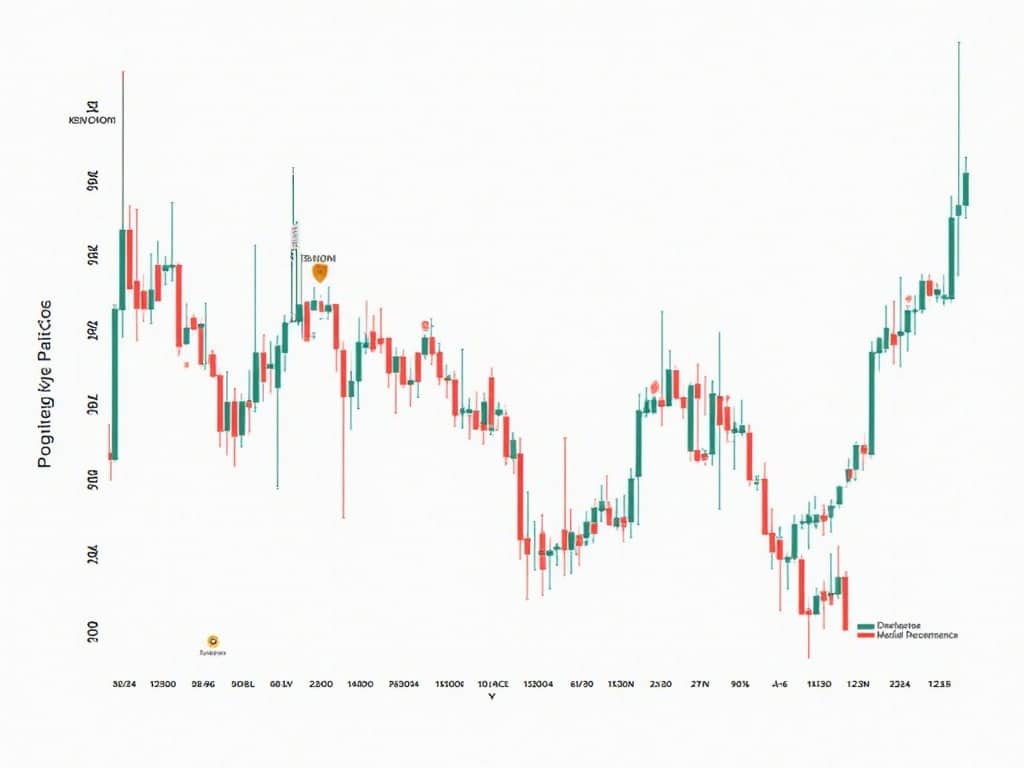
This code snippet downloads 5 years of historical data for Apple (AAPL), calculates the 50-day and 200-day simple moving averages (SMAs), and plots the closing price along with the moving averages. This is just a simple example; you can extend this analysis to explore other indicators, perform statistical analysis, and build predictive models.
Working with Different Data Formats
Financial datasets come in various formats, including CSV, JSON, and APIs. Here’s how to handle these formats in Python:
CSV Files
CSV (Comma Separated Values) files are a common format for storing tabular data. You can use the `pandas` library to read CSV files into DataFrames:
python
import pandas as pd
# Read a CSV file into a DataFrame
data = pd.read_csv(‘data.csv’)
# Print the first few rows of the DataFrame
print(data.head())
JSON Files
JSON (JavaScript Object Notation) is a lightweight data-interchange format. You can use the `json` library to read JSON files into Python dictionaries or lists:
python
import json
# Read a JSON file into a Python dictionary
with open(‘data.json’, ‘r’) as f:
data = json.load(f)
# Print the data
print(data)
APIs
APIs (Application Programming Interfaces) allow you to access data from remote servers. You can use the `requests` library to make API calls and retrieve data in JSON format:
python
import requests
import json
# Make an API call
response = requests.get(‘https://api.example.com/data’)
# Check if the request was successful
if response.status_code == 200:
# Parse the JSON response
data = json.loads(response.text)
# Print the data
print(data)
else:
print(‘Error:’, response.status_code)
Cleaning and Preprocessing Financial Data
Financial data is often messy and requires cleaning and preprocessing before analysis. Common tasks include:
- Handling Missing Values: Impute missing values using techniques like mean imputation, median imputation, or interpolation.
- Removing Outliers: Identify and remove outliers that can distort your analysis.
- Data Type Conversion: Convert data to the appropriate data types (e.g., numeric, date, categorical).
- Feature Engineering: Create new features from existing data to improve the performance of your models.
- Normalization/Standardization: Scale or standardize your data to ensure that all features have a similar range of values.
Ethical Considerations
When working with financial data, it’s crucial to be aware of ethical considerations:
- Data Privacy: Respect the privacy of individuals and organizations whose data you are using.
- Transparency: Be transparent about your data sources and methods.
- Bias Detection: Be aware of potential biases in your data and take steps to mitigate them.
- Responsible Use: Use your analysis for good and avoid actions that could harm others.
For instance, if you are looking for reliable and credible resources, you can check out [externalLink insert].
Conclusion
The journey into financial analysis with Python and free datasets can be incredibly rewarding. By leveraging the powerful tools and resources available, you can unlock valuable insights, build innovative models, and make informed decisions. Remember to start with a clear goal, explore different datasets, master essential Python libraries, and always be mindful of ethical considerations. The world of financial data is vast and ever-changing, so embrace continuous learning and experimentation to stay ahead of the curve. Happy analyzing!