
Unveiling Data Secrets: Mastering the Pandas Scatter Matrix for Exploratory Data Analysis
Imagine holding a treasure map, but instead of ‘X’ marking the spot, you have a mountain of data. How do you find the valuable insights hidden within? One powerful tool for any data scientist is the Pandas scatter matrix. Think of it as a visual compass, guiding you through the relationships and patterns within your dataset. This comprehensive guide will delve into the depths of using the Pandas scatter matrix for effective Exploratory Data Analysis (EDA), transforming raw data into actionable knowledge.
What is a Pandas Scatter Matrix?
At its core, a scatter matrix is a grid of plots that visualizes the pairwise relationships between different variables in a dataset. Using the Pandas library in Python, generating this matrix is remarkably simple. Each cell in the grid represents a scatter plot of two variables, allowing you to quickly identify correlations, trends, and potential outliers. The diagonal elements of the matrix often display histograms or kernel density estimations (KDEs) of each variable, providing insights into their individual distributions.
Why Use a Scatter Matrix for EDA?
The Pandas scatter matrix is incredibly valuable during the initial exploration phase of any data science project. Here’s why:
- Correlation Identification: Quickly spot positive, negative, or non-linear relationships between variables.
- Outlier Detection: Identify data points that deviate significantly from the general trend.
- Distribution Analysis: Examine the distribution of individual variables (e.g., normal, skewed, multimodal).
- Feature Understanding: Gain a deeper understanding of the characteristics and interactions of your dataset’s features.
- Hypothesis Generation: Formulate initial hypotheses about the relationships between variables that can be further investigated.
Essentially, it provides a bird’s-eye view of your data, highlighting potential areas for deeper analysis and feature engineering.
Creating a Scatter Matrix with Pandas
Let’s dive into the practical aspects of creating a scatter matrix using Pandas. First, you’ll need to install Pandas and Matplotlib (for plotting) if you haven’t already.
bash
pip install pandas matplotlib
Next, import the necessary libraries:
python
import pandas as pd
import matplotlib.pyplot as plt
Now, let’s assume you have a Pandas DataFrame called `df` containing your data. Creating a basic scatter matrix is as simple as:
python
pd.plotting.scatter_matrix(df, figsize=(12, 12))
plt.show()
This code will generate a scatter matrix where each cell displays the relationship between two columns in your DataFrame. The `figsize` argument controls the size of the figure. Experiment with different sizes to find what works best for your data.
Customizing Your Scatter Matrix
The basic scatter matrix is a great starting point but customizing it can reveal even more insights. Pandas offers several options for tailoring the plot to your specific needs.
Changing the Diagonal Plots
By default, the diagonal elements display histograms. You can change this to Kernel Density Estimation (KDE) plots for a smoother representation of the distribution.
python
pd.plotting.scatter_matrix(df, diagonal=’kde’, figsize=(12, 12))
plt.show()
Adding Color to Represent a Categorical Variable
If you have a categorical variable in your dataset, you can use it to color the points in the scatter plots, revealing how different categories relate to the numerical variables. First, you need to map your categorical variable to numerical values.
python
# Example with a ‘Species’ column in a DataFrame
def color_mapping(species):
if species == ‘setosa’:
return 0
elif species == ‘versicolor’:
return 1
else:
return 2
df[‘color’] = df[‘Species’].apply(color_mapping)
Then, pass the `c` argument to the `scatter_matrix` function, along with a colormap (`cmap`).
python
pd.plotting.scatter_matrix(df, c=df[‘color’], cmap=’viridis’, figsize=(12, 12))
plt.show()
This will color the points based on the ‘color’ column, making it easy to see if certain categories cluster together or exhibit different relationships.
Adjusting Markers and Transparency
You can further customize the appearance of the scatter plots by adjusting the marker size (`s`) and transparency (`alpha`).
python
pd.plotting.scatter_matrix(df, s=50, alpha=0.8, figsize=(12, 12))
plt.show()
Reducing the `alpha` value can be particularly helpful when dealing with dense datasets, as it allows you to see the overall density of points more clearly. Increasing the marker size helps visualizing data when working with very large data sets.
Interpreting the Scatter Matrix
Creating the scatter matrix is only half the battle; the real value lies in interpreting the results. Here’s a breakdown of what to look for:
Linear Relationships
A clear, upward or downward sloping pattern in a scatter plot indicates a linear relationship between the two variables. A tightly clustered pattern suggests a strong correlation, while a more scattered pattern indicates a weaker correlation.
Non-Linear Relationships
Sometimes, the relationship between variables isn’t linear. Look for curved patterns, clusters, or other non-random arrangements of points. These patterns can indicate polynomial, exponential, or other types of non-linear relationships.
Outliers
Outliers are data points that lie far away from the main cluster of points. They can be caused by errors in data collection, or they may represent genuinely unusual cases. It’s important to investigate outliers to determine their cause and whether they should be removed from the dataset.
Distribution Skewness
The histograms or KDE plots on the diagonal reveal the distribution of each variable. Look for skewness (asymmetry) in the distributions. A right-skewed distribution has a long tail extending to the right, while a left-skewed distribution has a long tail extending to the left. Skewness can affect the performance of some machine learning algorithms, and it may be necessary to transform the data to reduce skewness.
Clusters
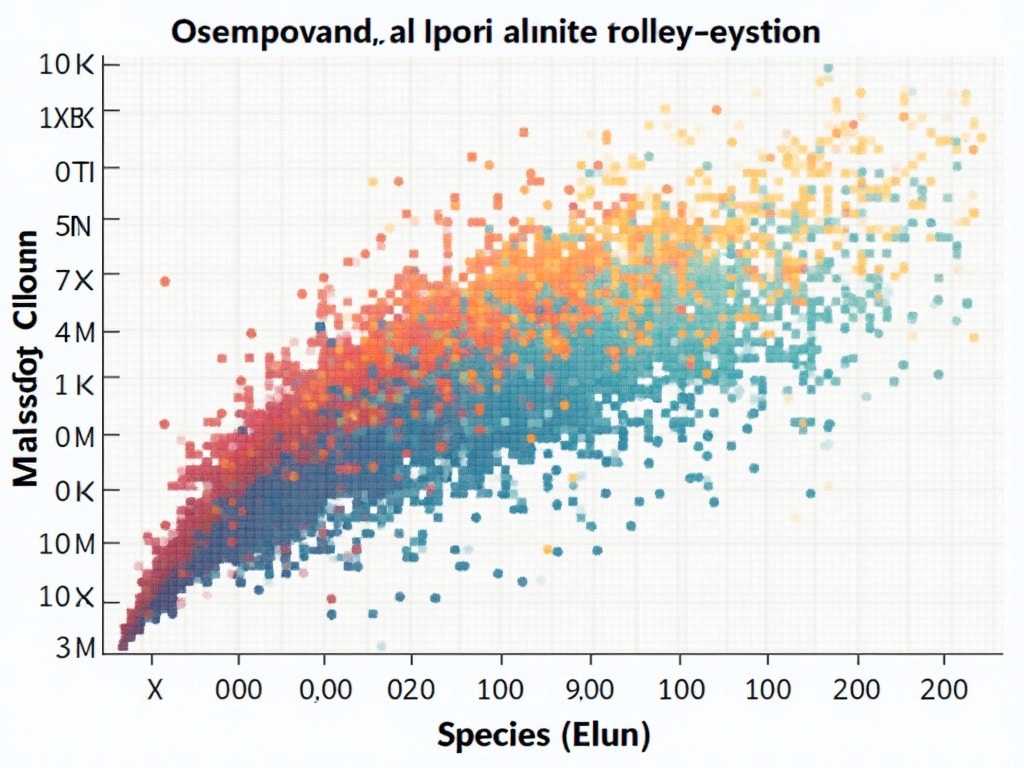
The scatter plots may reveal clusters of points, indicating that the data can be grouped into different categories or segments. Clustering can be a valuable technique for understanding the underlying structure of the data and for identifying distinct groups of customers or products.
Advanced Techniques and Considerations
While the basic scatter matrix is a powerful tool, here are some advanced techniques and considerations to keep in mind:
Pairwise Correlation Coefficients
Complement the visual analysis with numerical measures of correlation, such as Pearson’s correlation coefficient. This helps quantify the strength and direction of linear relationships. Pandas DataFrames have a `.corr()` method that computes the correlation matrix.
python
correlation_matrix = df.corr()
print(correlation_matrix)
Handling Large Datasets
For very large datasets, creating a scatter matrix can be computationally expensive and the plots can become cluttered. Consider these strategies:
- Sampling: Use a random subset of the data to create the scatter matrix.
- Dimensionality Reduction: Apply techniques like Principal Component Analysis (PCA) to reduce the number of variables before creating the scatter matrix.
- Hexbin Plots: Instead of scatter plots, use hexbin plots to visualize the density of points in each cell.
Using Seaborn for Enhanced Visualizations
Seaborn is a Python library built on top of Matplotlib that provides a higher-level interface for creating statistical graphics. It offers more sophisticated customization options and aesthetics than the basic Pandas scatter matrix. For instance, you can use Seaborn’s `pairplot` function, which is similar to `scatter_matrix` but with additional features like kernel density estimates and regression lines [externalLink insert].
python
import seaborn as sns
sns.pairplot(df)
plt.show()
Seaborn pair plots are particularly useful for creating publication-quality visualizations.
Beware of Spurious Correlations
Correlation does not equal causation. Just because two variables are correlated doesn’t mean that one causes the other. There may be a third, unobserved variable that is influencing both, or the correlation may be purely coincidental. Always be cautious about drawing causal conclusions from a scatter matrix. Exploring causality may require additional techniques.
Feature Engineering Insights
The scatter matrix can spark ideas for feature engineering. For example, if two variables show a strong non-linear relationship, you might create a new feature that captures this relationship, such as a polynomial term or an interaction term.
Example
Let’s walk through a simple example using a sample dataset. We’ll use the famous Iris dataset, which contains measurements of sepal length, sepal width, petal length, and petal width for three species of iris flowers.
python
from sklearn.datasets import load_iris
iris = load_iris()
df = pd.DataFrame(data=iris.data, columns=iris.feature_names)
df[‘Species’] = pd.Categorical.from_codes(iris.target, iris.target_names)
pd.plotting.scatter_matrix(df, figsize=(10, 10), diagonal=’kde’, alpha=0.8)
plt.suptitle(‘Iris Dataset Scatter Matrix’, size=20)
plt.show()
In this scatter matrix, we can observe:
Petal length and petal width show a strong positive correlation.
Different species tend to cluster in different regions of the scatter plots.
Sepal width appears to be less informative than petal length and petal width for distinguishing between species.
This initial EDA can then guide further analysis, such as building classification models to predict the species of an iris flower based on its measurements.
Conclusion
The Pandas scatter matrix is an indispensable tool for any data scientist embarking on an EDA journey. By providing a visual overview of the relationships between variables, it empowers you to uncover hidden patterns, detect outliers, and develop hypotheses. Mastering the art of creating and interpreting scatter matrices is a critical skill for extracting meaningful insights from your data and driving informed decisions. So, fire up your Python interpreter, load your data, and let the scatter matrix guide you to data discovery.